
Receipt Tracker
Scan a receipt's QR code and keep track of your spending. Everything stays on your phone.
Install the app

Opened this on a computer? Scan with your phone's camera.
What it does
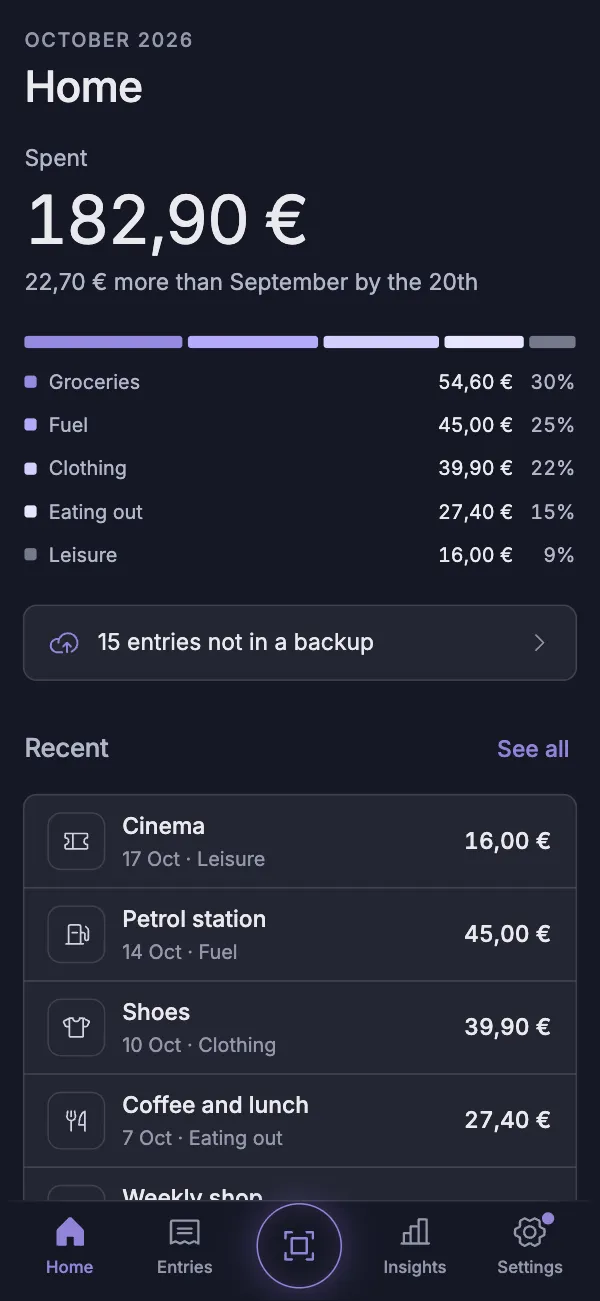
- Scans the QR code on Greek receipts and fills in the store, date and amount.
- Cash, bills and income are entered by hand.
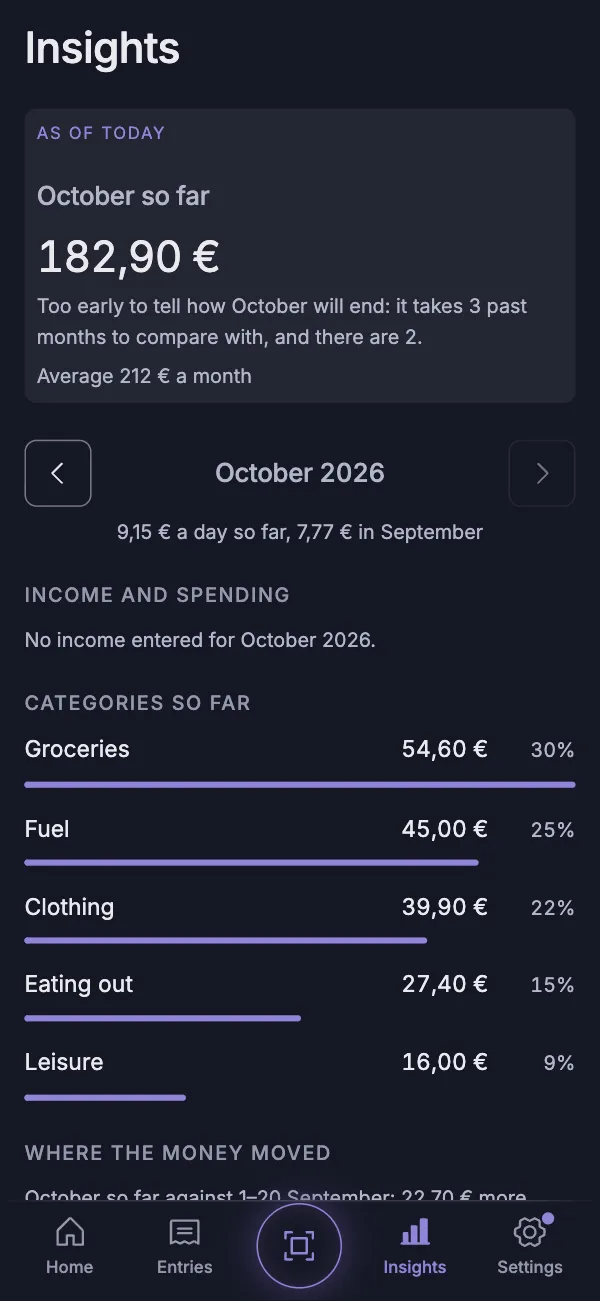
- Shows the month by category, and twelve months in Insights.
Private by design
- No account, no server, no tracking.
- Your entries live only on your phone.
- They leave it only when you export an encrypted backup or a CSV file.
Before you start
- Works on iPhone with Safari and on Android with Chrome.
- QR scanning works on Epsilon and SoftOne receipts. Others are entered by hand.
- Keep the app on your Home Screen: removing it deletes your entries.
- On iPhone, each Home Screen icon keeps its own entries. Adding the app again starts an empty copy.
- Export a backup now and then. The app reminds you.
Install in three steps
iPhone
- Open the app in Safari.
- Tap Share, then Add to Home Screen.
- Open it from its Home Screen icon.
Android
- Open the app in Chrome.
- Tap the ⋮ menu, then Add to Home screen or Install app.
- Open it from its home screen icon.